
About the standby screen
When you launch the Manual Review Client, it automatically opens the next available task from the queue. If no tasks are available, the Client displays the standby screen instead.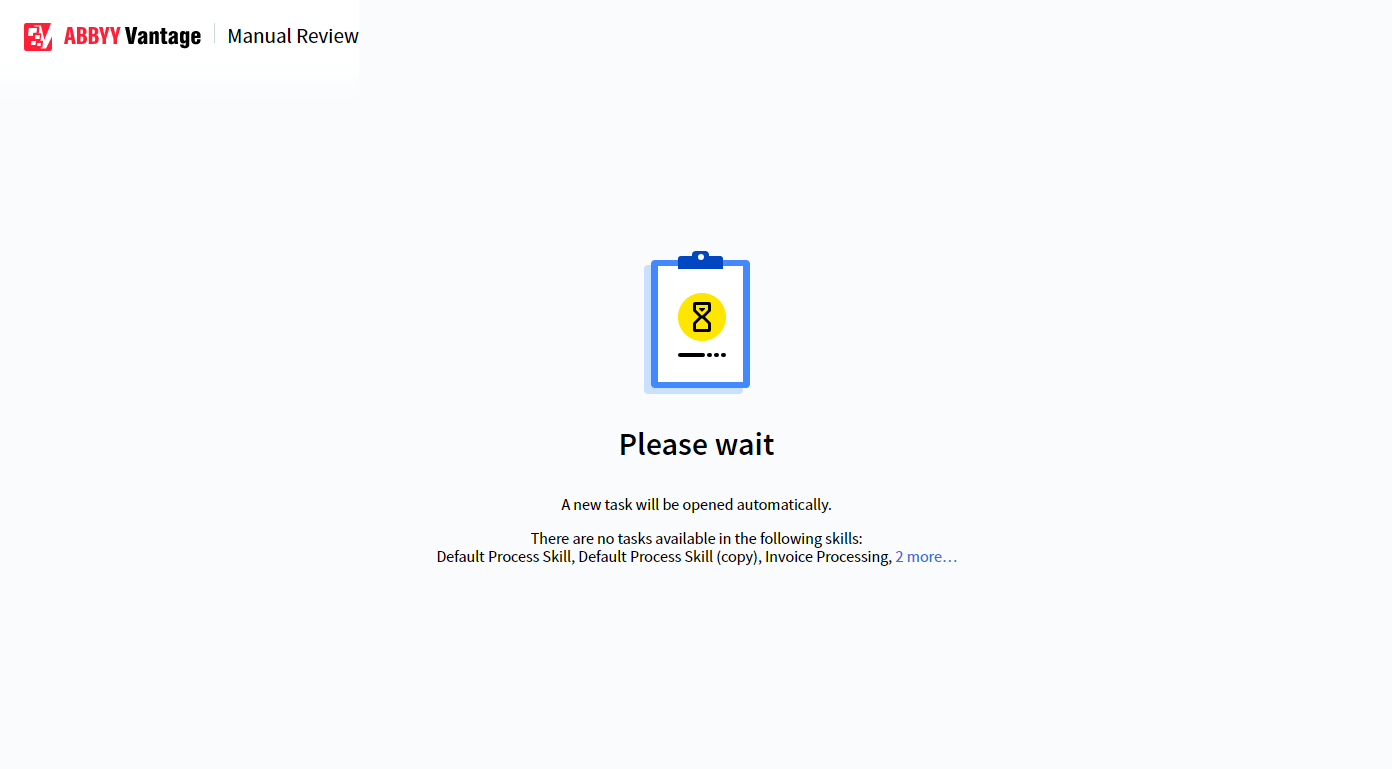
Standby screen shown when no tasks are available in the queue
No access errors at launch
If you do not have the required permissions to use the skills, the Client displays a No access error at launch instead of the standby screen. Contact your system administrator to request the necessary permissions.