Localization Languages
The user interface and documentation are available in the following languages. To change the documentation language, select a language in the top right corner.Switching UI Language in Manual Review
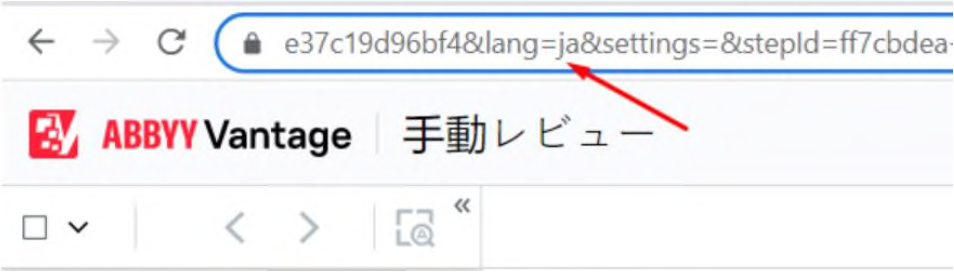
Built-in manual review can be launched in the UI language specified in the URL. The URL should include thelang=en-US parameter to open manual review in a supported UI language.
The following values are available:
If a language that is not supported is indicated, the page will open in English.