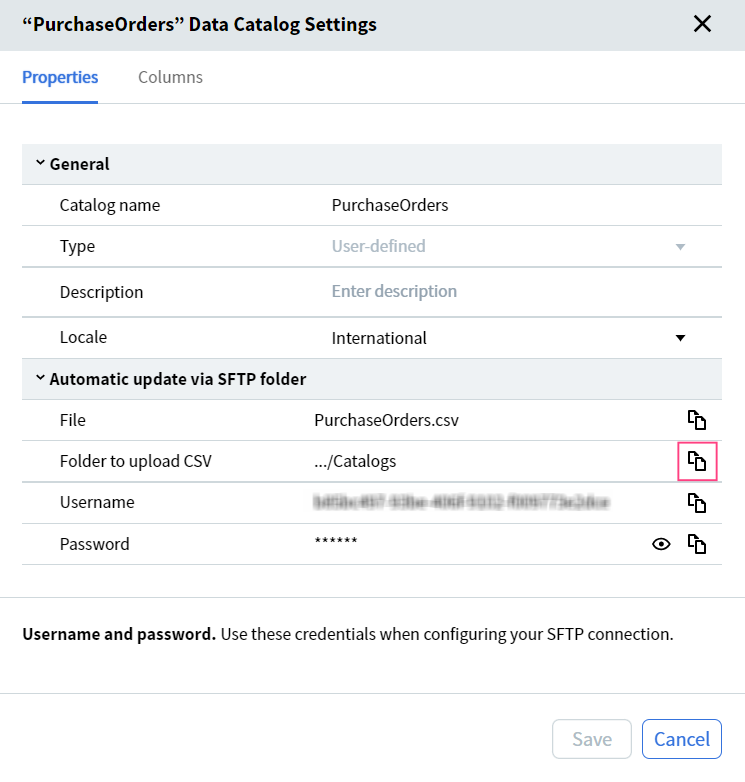
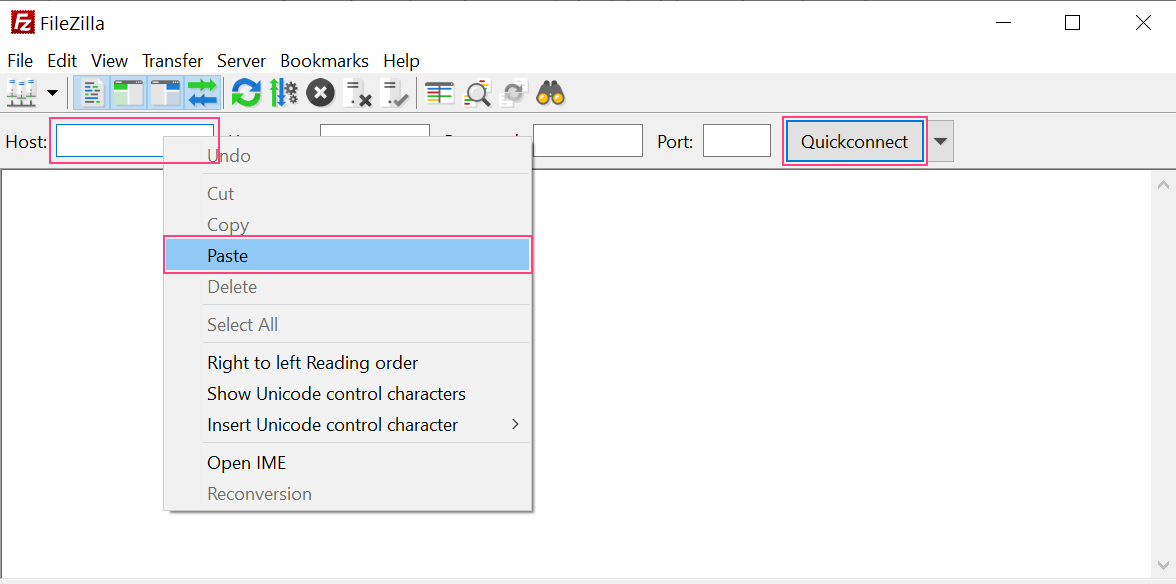
Update a data catalog by uploading a CSV file through the UI or via an SFTP shared folder.
Update an existing data catalog by uploading a new CSV file — either through the Vantage UI or by placing the file in a shared folder connected via SFTP.
Follow these rules when preparing a CSV for upload:
Columns must be separated by commas.
No spaces are allowed between a column name and its comma separator.
Values containing commas that should be treated as literals must be enclosed in double quotation marks.
Quotation marks inside string values must be duplicated, and the entire string value must also be wrapped in double quotation marks.
You can use Microsoft Excel to edit the CSV file.
The CSV file must not be larger than 100 MB.
When updating a Document Issuer Companies or Document Receiver Companies data catalog, the Company ID and Country columns must be filled in. Empty values in these columns cause the update to fail.
Id,VATID,BusinessUnitId,IBAN,BankAccount,BankCode,Name,ZIP,Street,City,State,CountryCode"999,9",GB_fake01,01,123456678,PPPCCC,CB3 AAA,CAMBRIDGESHIRE COUNTY COUNCIL,PO Box 123456,str1,Cambridge,East,GB"0,1",GB_fake02,01,123487654,CCCPPP,AAA BB3,Random Company Inc.,PO Box 45678,str2,Oxford,South East England,GB
Id,VATID,Name,ZIP,Street,City,State,CountryCode1,GB_fake01,"CAMBRIDGESHIRE ""COUNTY COUNCIL""",22313,str1,Cambridge,East,GB2,GB_fake02,Random Company Inc.,22314,str2,Oxford,South East England,GB
On the Data Catalogs tab, select the catalog from the list and click Update in the pane above the list. Drag the CSV file onto the page, or click Browse at the top of the screen.
The CSV file name must match the data catalog name. Otherwise, Vantage creates a new catalog instead.
2
Handle new columns (if any)
If Vantage detects new columns in the CSV, choose:
Add — adds the new columns and updates the data catalog.
Skip — ignores the new columns but updates the data catalog.
You can only edit column properties for new columns.
Once the update succeeds, a dialog shows the number of updated records and any added or removed columns.