With rule errors, uncertain fields, or unknown type – Only verify documents that have rule errors, fields with low-confidence characters, or unknown document types.
Review document classification and data extraction results
Use this scenario when you have multiple document types that need both classification and accurate data extraction. Operators verify both the class assigned by the Classify activity and the data extracted by the Extract activity.
Manual Review workflow for classification and extraction
Use this scenario when you have multiple document types that need to be classified (for example, to route documents to specific company departments) but don’t need data extraction. Operators verify only the classification results.
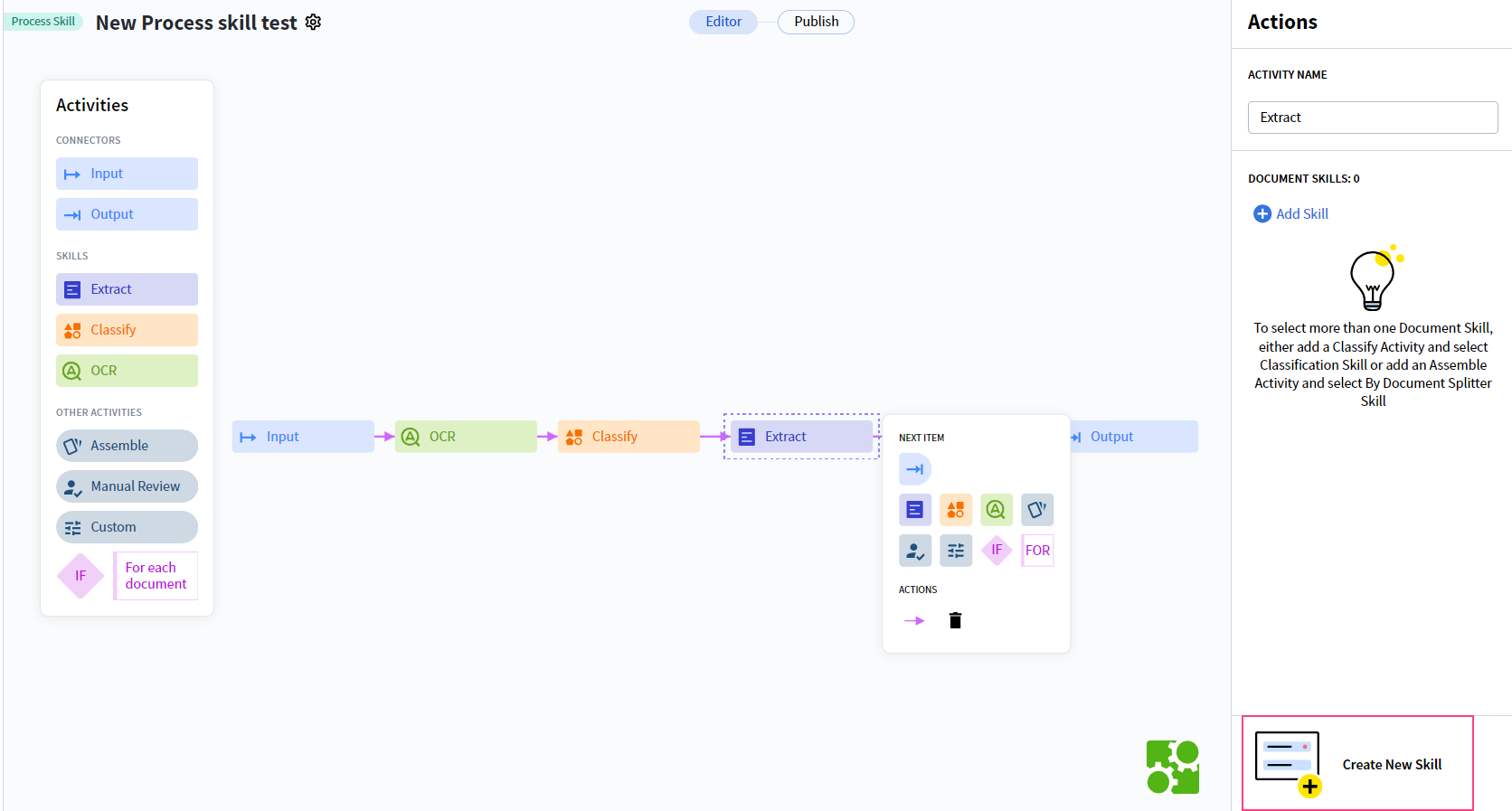
Each Manual Review activity must be preceded by an Extract activity, even if no data extraction is required. Otherwise, the Process skill can’t be published.