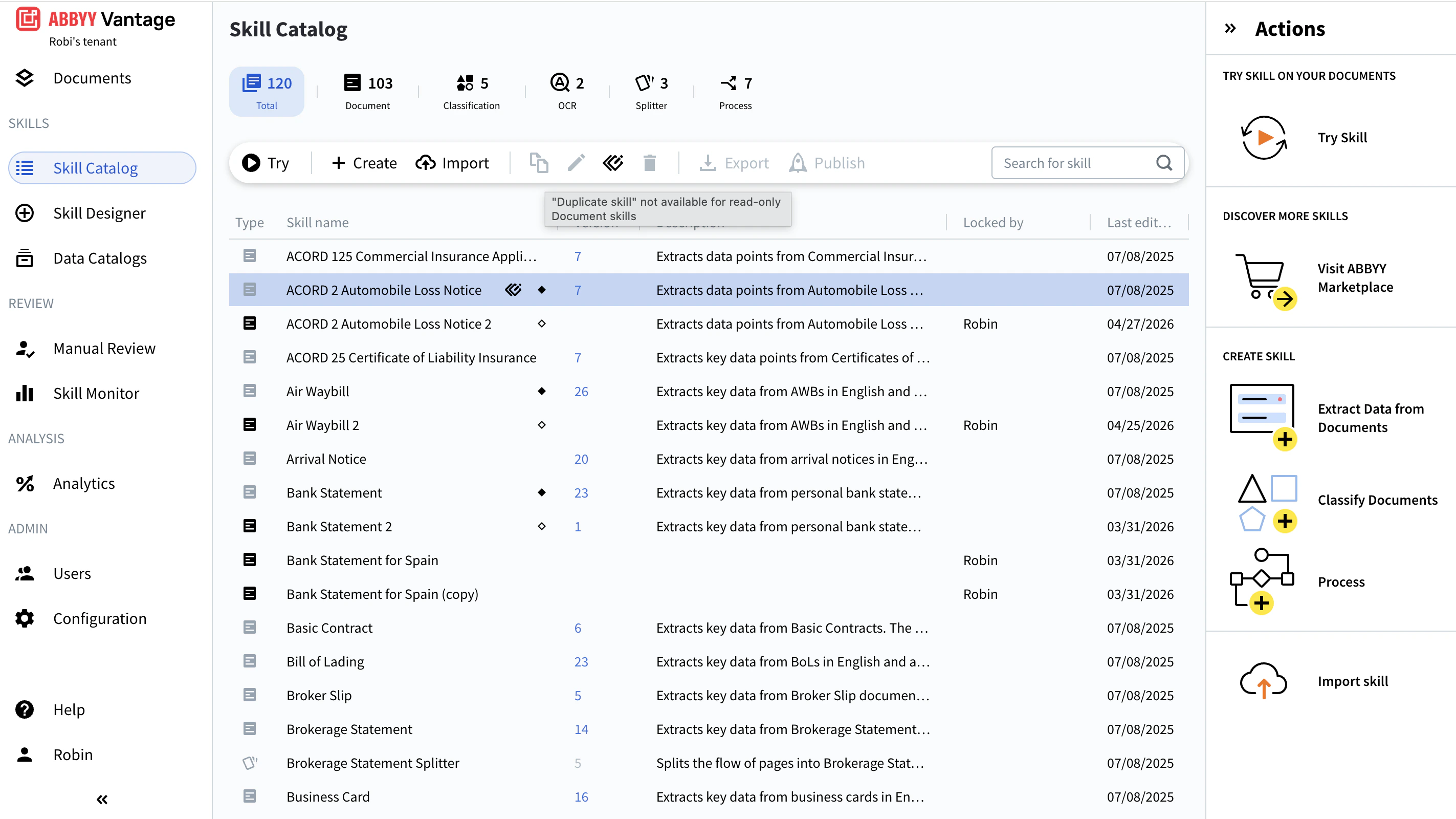
Duplicate a skill when you need variations of the same skill for different clients or document types. Note that only custom Document skills can be duplicated and edited. To modify a read-only skill (such as a Vantage built-in or a third-party skill), see Working with a Derived Skill.
Availability of this feature depends on your role. For more information, see Role-Based Access Control.
A duplicate is an exact copy of the original skill, including its description, demo documents, training documents, and all existing labeling. To duplicate a skill:
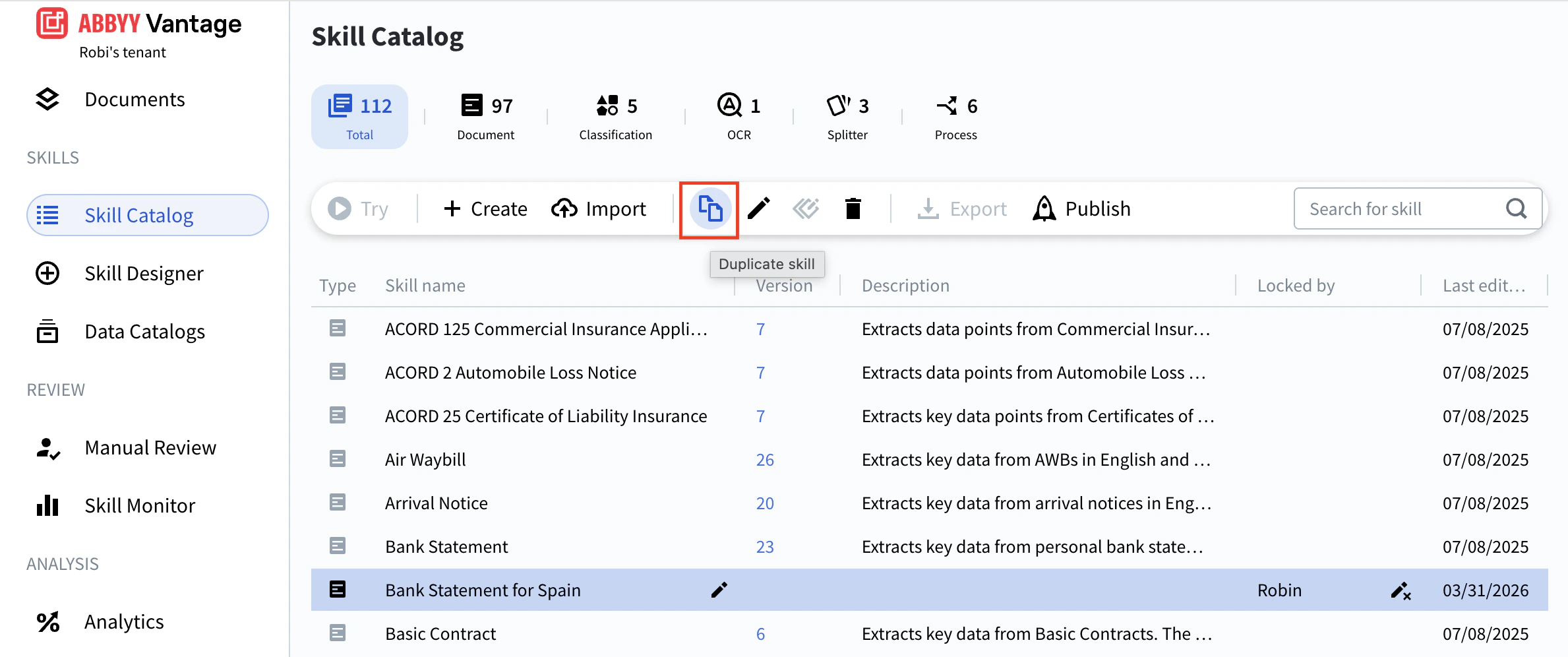
  • In the Skill Catalog, left-click the skill (anywhere except the skill name), and then click Duplicate skill in the toolbar.
Duplicate Skill The copy appears in the Skill Catalog as <Original skill name> (Copy). Duplication may take a moment. The copy won’t be editable until the process is complete. A duplicate includes all unpublished changes from the original. To duplicate only the last published version, first select the original skill and click Discard changes in the toolbar before duplicating. For details, see Editing a Skill.
Duplicating a Process skill does not duplicate the skills it references. Duplicate those separately if needed. See Duplicating a Process Skill.
Before the duplicate can be used, it must be published.