
HTML fragments draw the parts of the user interface used for a multi-document processing case.

Create a fragment

1

Start a new fragment

In Dev Studio, click Records → Technical → HTML Fragment → Create.
2

Name the fragment

In the Label and Identifier fields, enter the name of the fragment, for example InvoiceDefaultFragment.
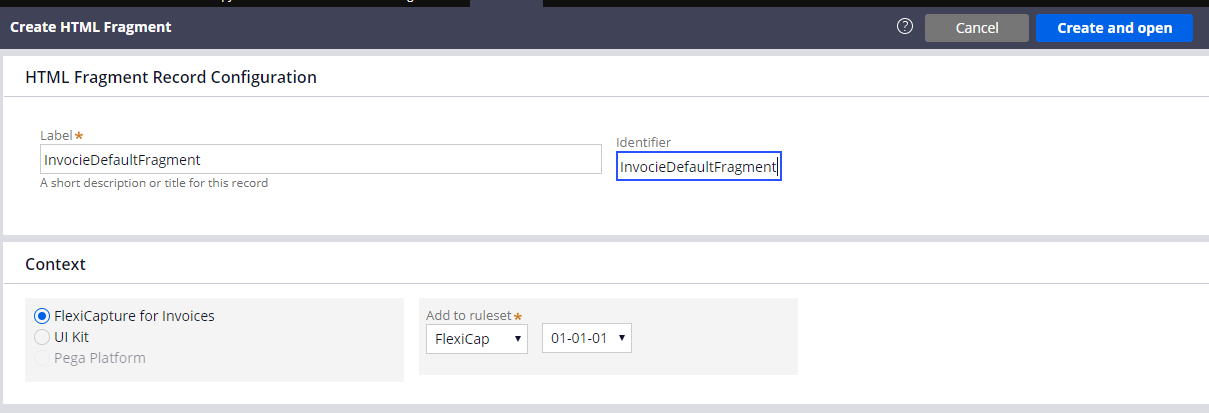
Screenshot of the Pega Create HTML Fragment form with InvocieDefaultFragment entered in the Label and Identifier fields and FlexiCapture for Invoices selected as the application context.
3

Open the fragment

Click Create and open.
4

Add the fragment code

In the HTML Source field, enter the code of your fragment. The code for each fragment is given in the following sections.
Repeat these steps for each of the five fragments. The code for all the fragments is also in the connector installation folder:

InvoiceDefaultFragment

BankingDefaultFragment

ContractDefaultFragment

LetterDefaultFragment

PriceDefaultFragment