1
Open the FlexiLayout tab
Click the FlexiLayout tab in the FlexiLayout Studio main window.
2
Select the Blocks node
Select Blocks in the FlexiLayout tree.
3
Add a Text block
Select Add Block → Text in the FlexiLayout menu or the shortcut menu.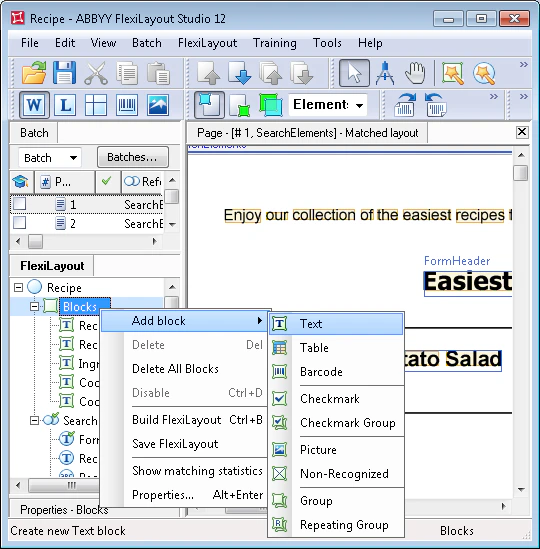
4
Name the block
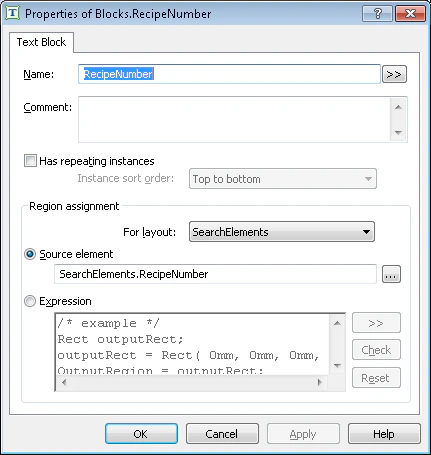
In the Properties dialog box, type a name in the Name field, for example, RecipeNumber.
5
Set the source element
To describe the location of the block, select Source element, click the … (browse) button, and then specify the RecipeNumber element as the source element.