
The Cooking field name is inverted text (light text on a dark background).
1

Create the Object Collection element

Create an element of type Object Collection and name it InvertedHeader.
2

Open the Object Collection tab

Click the Object Collection tab.
3

Enable inverted text detection

In the Type group, select the Inverted text option.
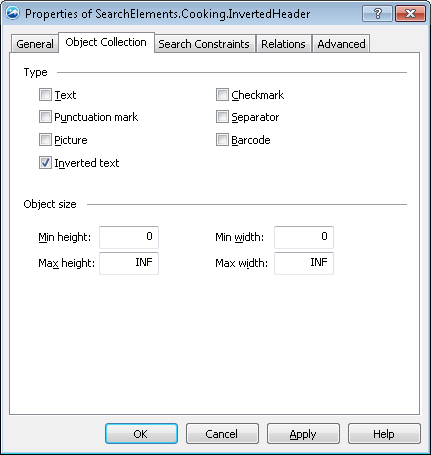
Screenshot of the Properties of SearchElements.Cooking.InvertedHeader dialog box in ABBYY FlexiLayout Studio, showing the Object Collection tab with the Inverted text option selected in the Type group.
Match the FlexiLayout against the test images and confirm that FlexiLayout Studio finds the inverted text on every image.